
How to Organize a LEGO Collection with BricksIndex
A practical BricksIndex guide to warehouses, storage locations, adding parts, QR labels and checking a LEGO set before building.
Organizing a LEGO collection does not have to begin with cataloguing everything at once. A simple system works best: one warehouse, clear storage locations and consistent part entry. BricksIndex connects these steps and helps you find bricks faster, prepare sets for building and reduce time spent opening boxes.
This practical guide shows a straightforward workflow — from the first warehouse to QR labels and a set completeness check.
1. Start with one warehouse
A warehouse in BricksIndex represents a real storage area. It can cover your entire home, one room, a workshop or a separate collection used for a particular project.
Start with a small, familiar part of the collection. This lets you test your own organization method without describing every box in a single day.
2. Recreate your real storage structure
Inside a warehouse you can create locations for shelves, cabinets, boxes and compartments. The clearest structure uses names that immediately show the route to an item, for example: Shelf A → Box 3 → Compartment 5.
Well-planned locations make it easier to:
- find a brick without opening several containers,
- separate parts by type, colour or project,
- move parts without losing their location data,
- manage a larger collection together with other people.
3. Add parts from catalogue cards
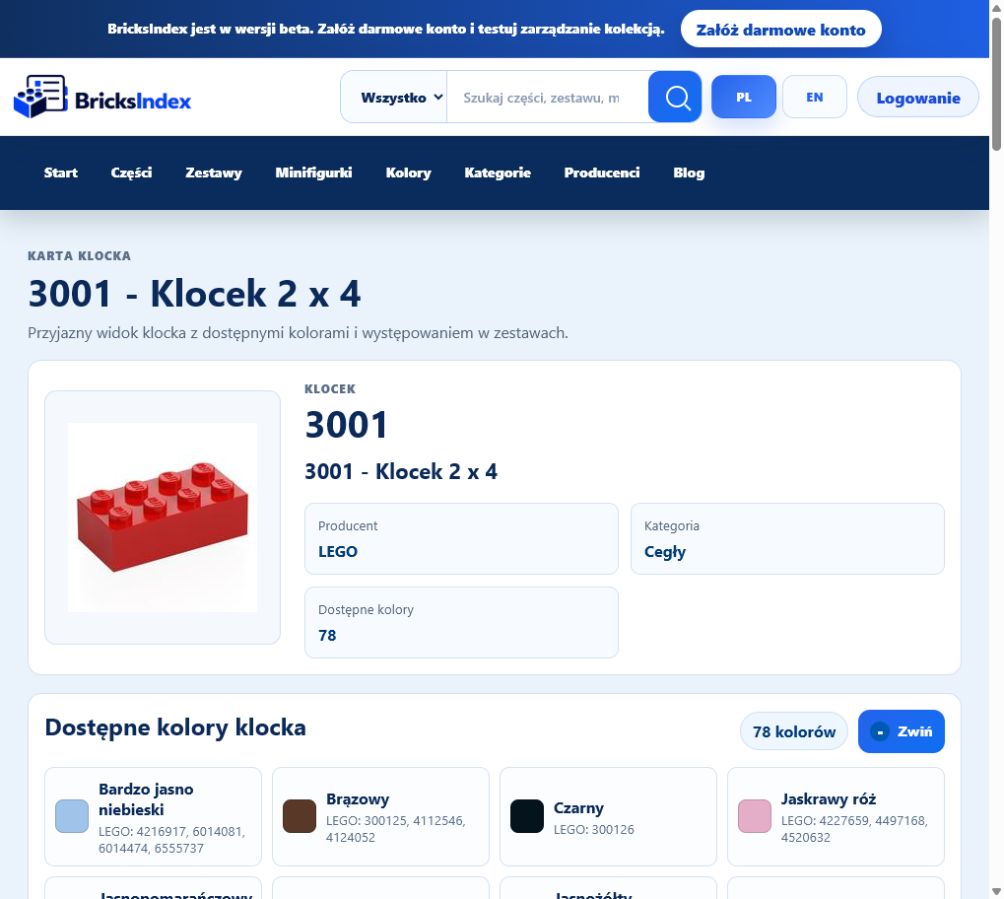
After finding the correct part, you can open the add form directly from its catalogue card. Select the colour, quantity and real storage location.
The catalogue number remains the main reference, so you do not have to type the part name manually. When additional LEGO element numbers are available, search can use them to locate the correct part and colour variant.
4. Label boxes with QR codes
Once your locations are ready, selected boxes and compartments can receive QR labels. The generator prepares a printable sheet, and each code opens the corresponding warehouse location.
This is especially useful when containers look similar or are stored in different rooms. Scan the code instead of relying on memory.
5. Check a set before building
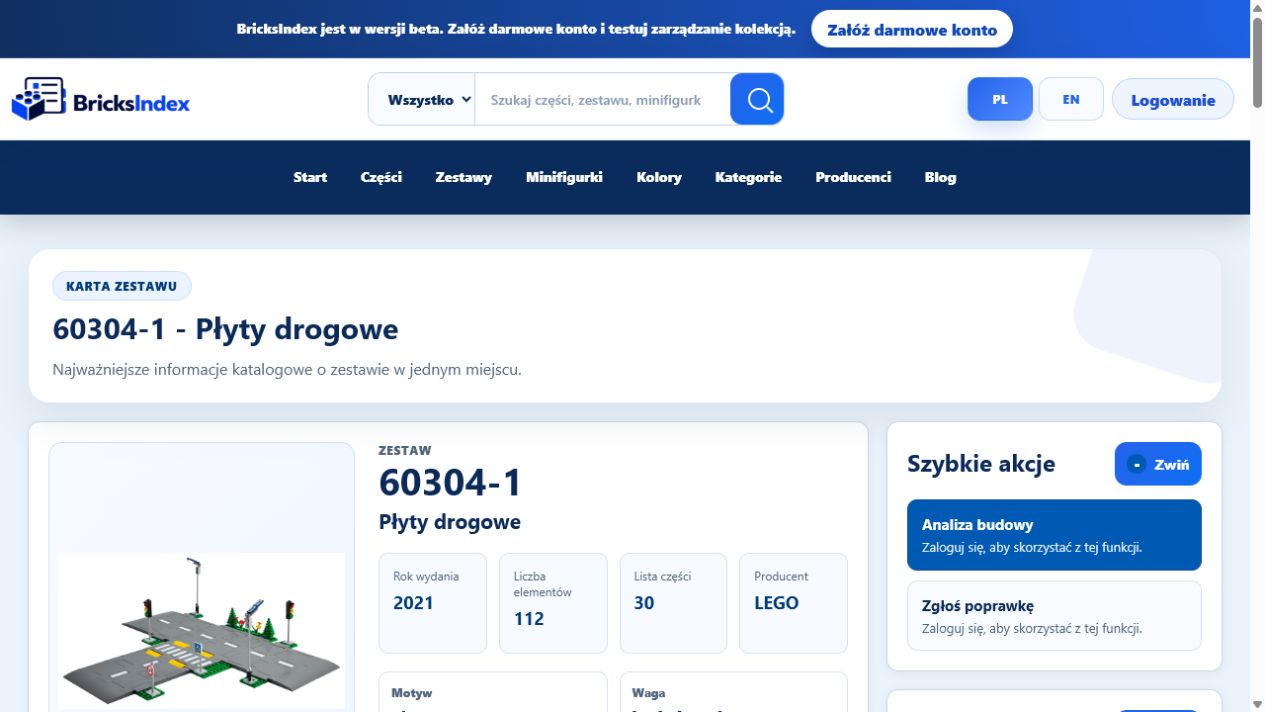
After organizing your parts, warehouse data can support build planning. The set analysis compares the inventory with your collection and separates available parts from missing ones.
Before you start building, you can:
- check which elements are already available,
- see where the required parts are stored,
- identify missing colours and quantities,
- avoid buying parts that are already in your collection.
A practical workflow
- Create a warehouse that matches the way your collection is stored.
- Add several basic locations: a shelf, box and compartment.
- Find the first parts and assign them to the correct places.
- Print QR labels for the containers you use most often.
- Open a set card and run the completeness analysis.
You do not have to complete every step at once. Start with one box and expand the structure together with your collection.
BricksIndex as an everyday collection tool
Connecting the catalogue, warehouses, locations and build analysis creates one consistent information flow. A part found in the catalogue is assigned to a real place and can later be included when checking a set.
Less time spent searching means more time for building. BricksIndex is currently in beta, and its tools are being improved for collections of different sizes.
Try the basic workflow
You can begin with the demo version or create an account and your first private warehouse. The demo provides a quick way to explore the main workflow without preparing your whole collection.
Related pages
Your warehouses
Set build analysis
Discover the main BricksIndex features