
BricksIndex – simpler LEGO collection management
Discover BricksIndex — a LEGO parts catalog and practical tools for organizing your collection, warehouses and storage locations.
A large LEGO collection creates endless building possibilities, but it can become difficult to remember which elements you own and where they are stored. BricksIndex helps organize this information and makes it available whenever you need it.
The service combines a detailed catalog with tools for organizing a personal collection. You can browse parts, sets, minifigures and colors, then create your own warehouses and storage locations after signing in.
What is BricksIndex?
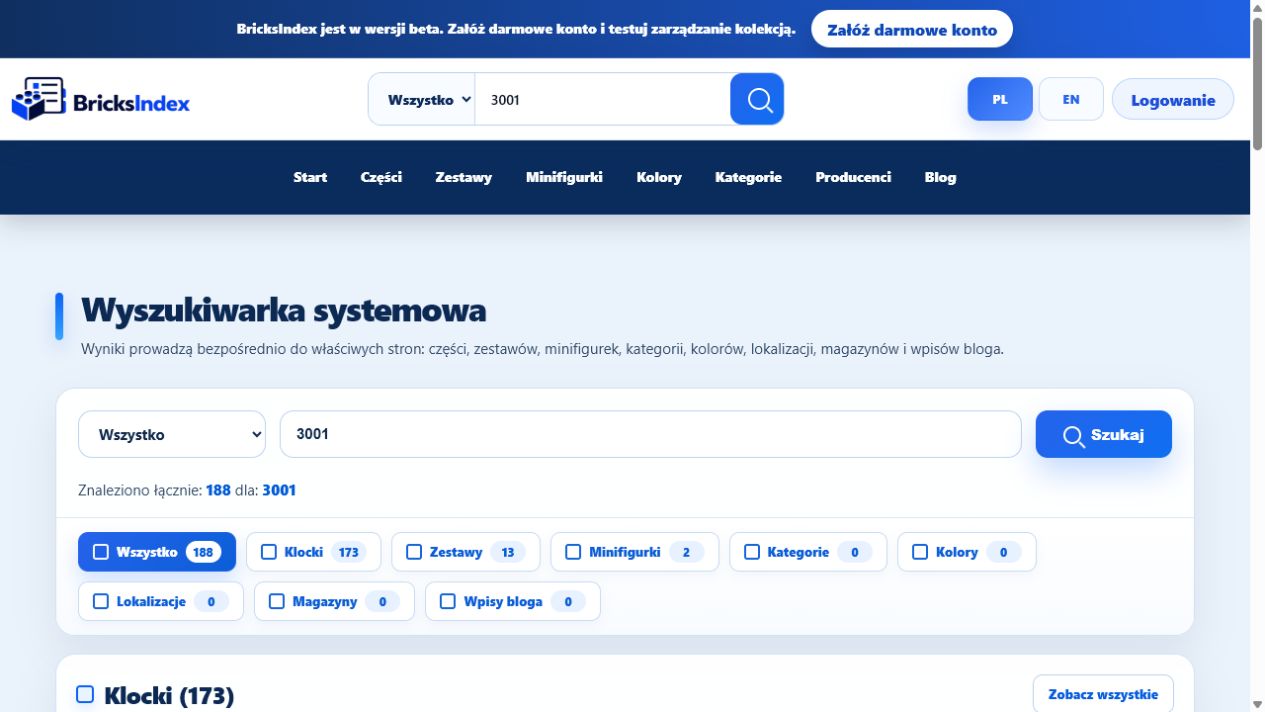
BricksIndex is a system designed for LEGO collection management. Instead of maintaining separate spreadsheets, notes and lists, you can keep the most important collection information in one place.
It is suitable both for new collectors and for users with larger collections stored across multiple boxes, drawers or rooms.
Parts, sets and minifigures catalog
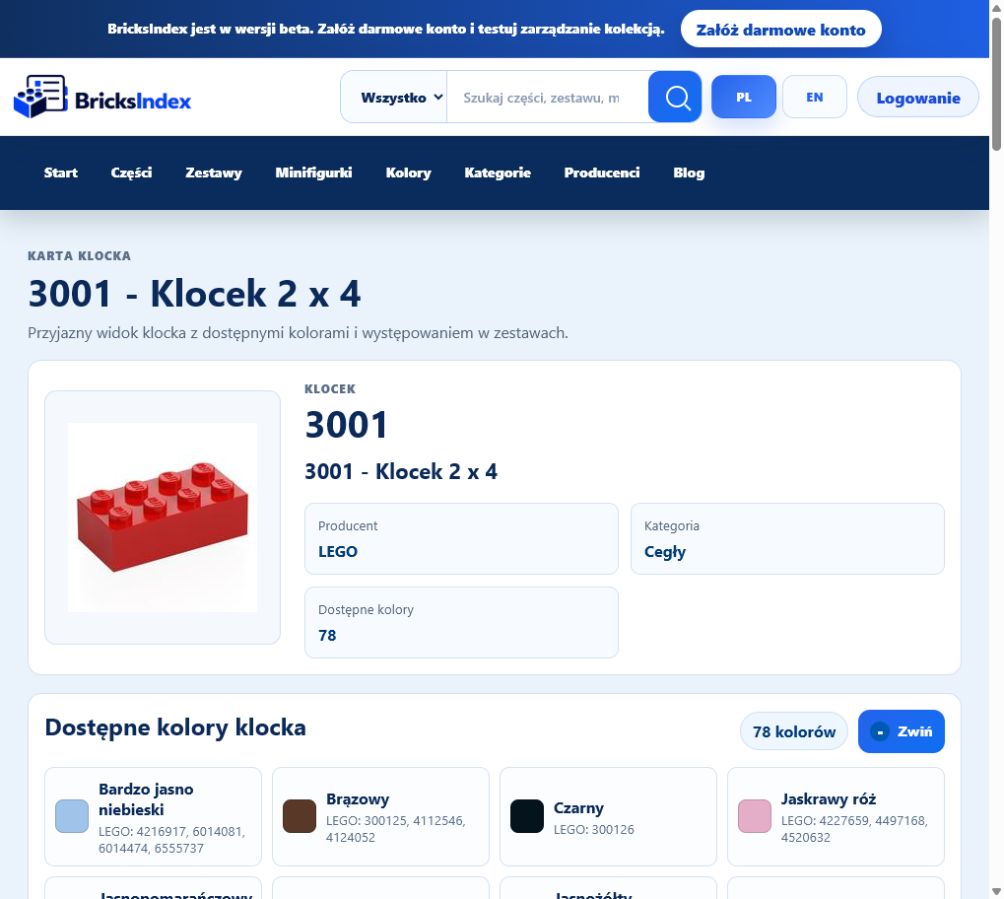
The catalog provides quick access to part, set, minifigure, color and category pages. Each page presents organized information and useful connections that make a LEGO collection easier to explore.
Searching by number or name helps you find the right item without browsing long lists. Polish and English versions let you use the catalog in your preferred language.
Warehouses and LEGO storage locations
After signing in, you can create a warehouse that reflects the way your collection is stored in the real world. Locations can represent rooms, shelves, cabinets, boxes or individual compartments.
This makes it easier to:
- check which elements are already in your collection,
- record the color and quantity of your parts,
- find the box or compartment containing the pieces you need,
- maintain order as your collection grows.
QR labels for boxes and compartments
Selected storage locations can be marked with QR labels. Scanning a code opens the correct warehouse location and lets you review its contents quickly.
The generator prepares printable label sheets, making it especially useful for collections stored in many similar boxes or drawers.
Planning a LEGO set build
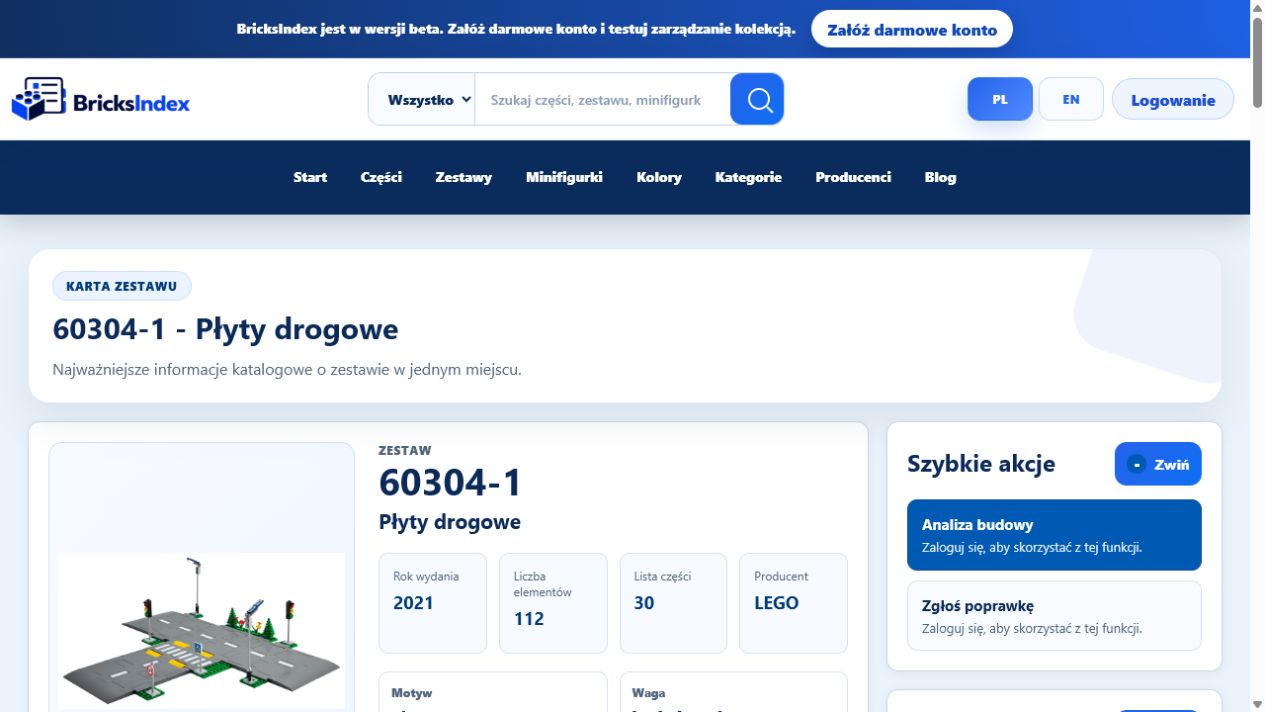
Build tools help compare the requirements of a selected set with the contents of your collection. A clear summary shows which elements are available and which may still be missing.
LEGO set build analysis helps prepare parts before building and reduces the time spent searching through storage boxes manually.
Organization for collections of every size
You do not need to catalog everything at once. A good starting point is one box, one drawer or one selected group of elements. Additional locations and items can be added gradually.
BricksIndex is evolving as a beta system. Available features are continuously improved to make cataloging, searching and organizing a collection easier.
Start organizing your LEGO collection
An organized collection means less time searching and more time building. Create an account, add your first warehouse and begin with the storage location you use most often.
Additional information
BricksIndex supports LEGO collection management by combining a catalog of parts, sets, minifigures and colors with private user warehouses.
The system helps record quantities, organize storage locations, prepare QR labels and plan set-building projects.